Connie for events: Efficient, legal consent management for photography & filming
Pina Vetter
on
Pro Tips
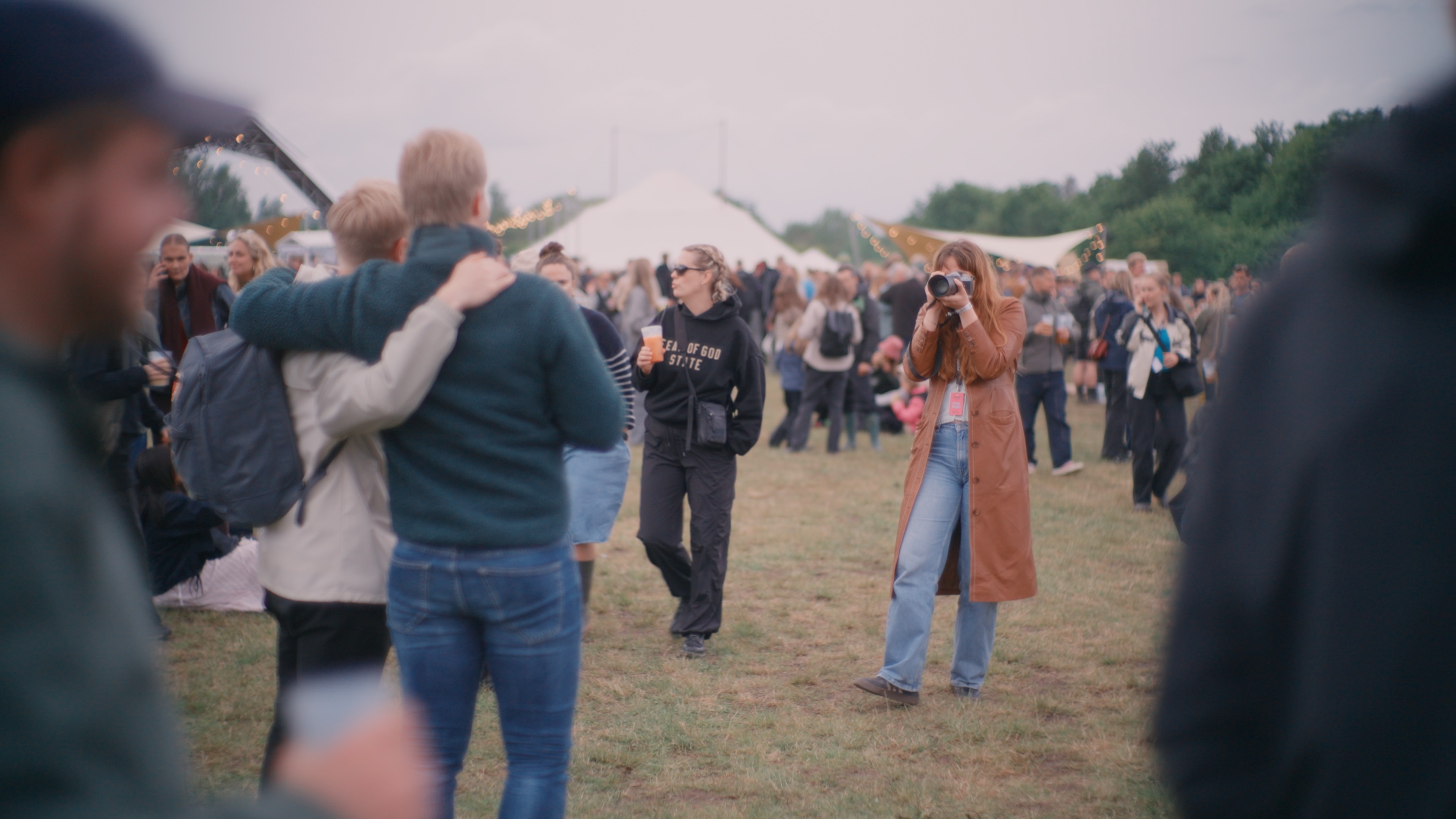
Connie makes collecting photo and video consents at festivals and events fast, easy, and fully compliant. With digital SignPages, QR codes, and real-time tracking, you ensure privacy compliance without slowing down your team.
Hosting a festival or event means capturing those unforgettable moments on camera. But there’s a catch: you need consent from everyone you photograph or film. Without it, you risk running afoul of privacy regulations and losing your audience’s trust.
The good news? With Connie, collecting consents is fast, easy, and seamlessly integrated into your event workflow.
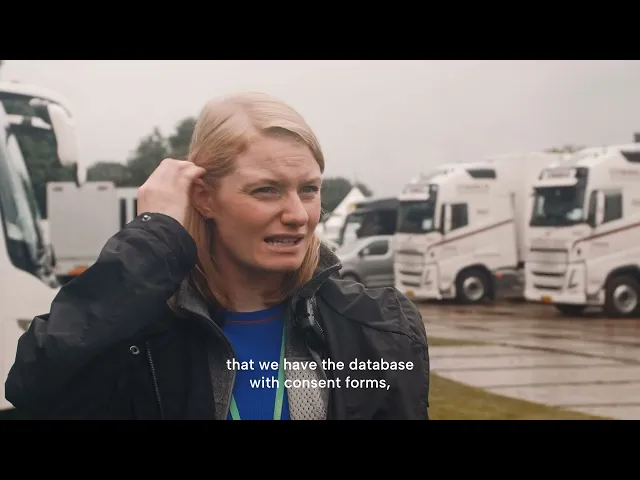
See how Grøn Koncert collects consent across their yearly festival tour, and how DTD Group handle the same challenge across Tinderbox, Northside and Fyr Fest.
The Challenge: Consent Without the Chaos
You want your photographers and videographers to move freely, capturing the energy as it happens. But chasing down paper forms or manually collecting signatures can slow everything down, and turn a simple process into a logistical headache.
What you need is a system that’s lightweight, professional, and keeps you fully covered, without distracting from the experience you’re creating.
How Connie Makes Consent Effortless
Connie is designed to handle exactly this kind of challenge. Here’s how you can set up a smooth consent collection process in no time:
1. Prepare Your Consent Template
Start by creating a simple consent form in Connie. Customize it with your event name, logo, and clear wording that explains how photos and videos will be used. If you need help, we’ve uploaded a template for a consent form on Connie that you can adjust to your needs.
2. Publish a SignPage
Once your template is ready, create it as a SignPage. This will generate a dedicated link where guests can review the form and sign digitally, right from their phones. Print QR codes linking to the SignPage or use our SignTags at the event (at entry points, info desks, or photo zones), or include them in your event communications.
You would like to know how to create a SignPage? Here is our guide on how to create a SignPage.
3. Equip Your Photographers With SignTags
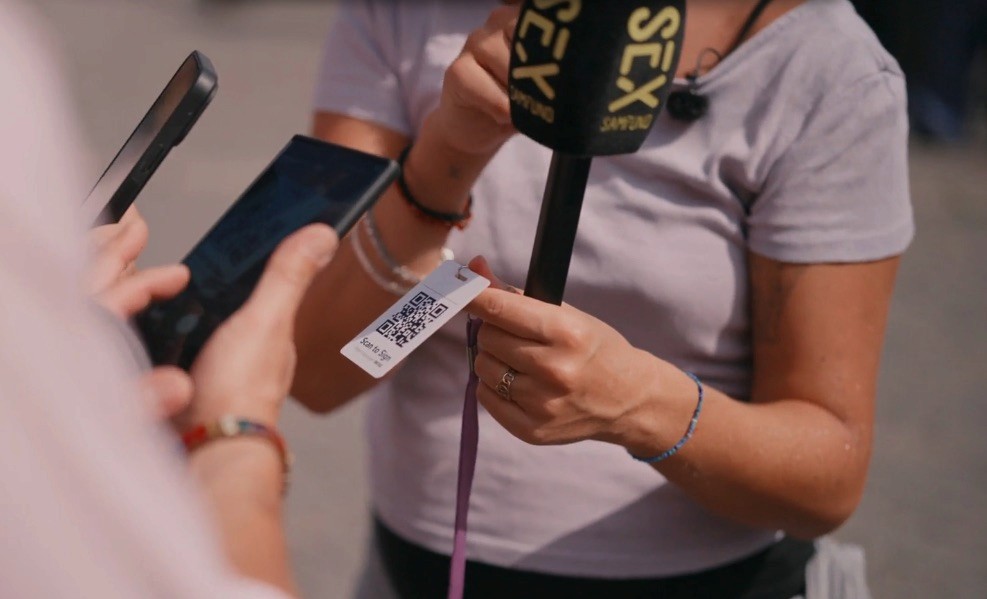
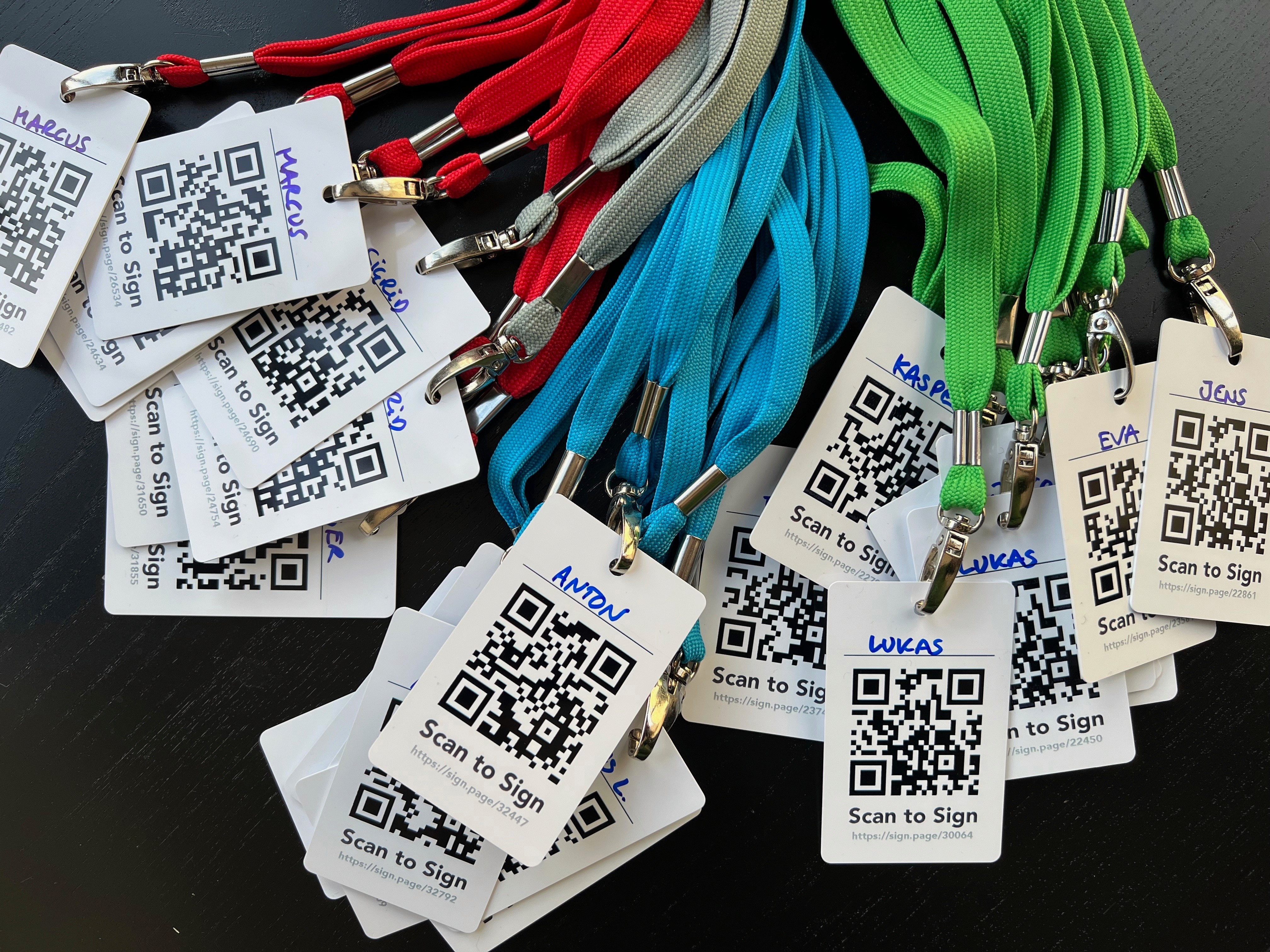
Give each photographer or videographer their own SignTag – a pre-printed badge with a QR code linked to your SignPage. If someone asks about photos, your team can simply point to the SignTag and invite them to scan and sign.
4. Watch Consents Come In: In Real Time
As guests complete their consents, you’ll see everything update live in Connie. Track who has signed, view their forms, and stay fully organized for post-event media use.
Why It Works So Well
Speed: Guests can give consent in seconds.
Clarity: Everything is explained upfront.
Trust: Your event looks professional and respectful.
Compliance: You have a full, auditable record of all consents collected.
Working with under-18s? Connie handles parental consent for minors automatically – worth setting up before the event rather than scrambling on the day.
Ready to make consent collection effortless at your next event? Start a free trial now, find more information about Connie here, or book a demo session to learn more.

Related reading
Previous post: