SignTags: The easiest way to collect signatures on the spot
Pina Vetter
on
Product News
Pro Tips
When you're on set, at an event, or out in the field, the last thing you need is paperwork slowing you down. But often agreements, consents, and other documents needs to be signed on the spot. SignTags are Connie's most physical feature, a pre-printed badge with a QR code that lets anyone sign your agreement on the spot, straight from their own phone. No chasing. No back-and-forth. Just scan and sign.
What is a SignTag?
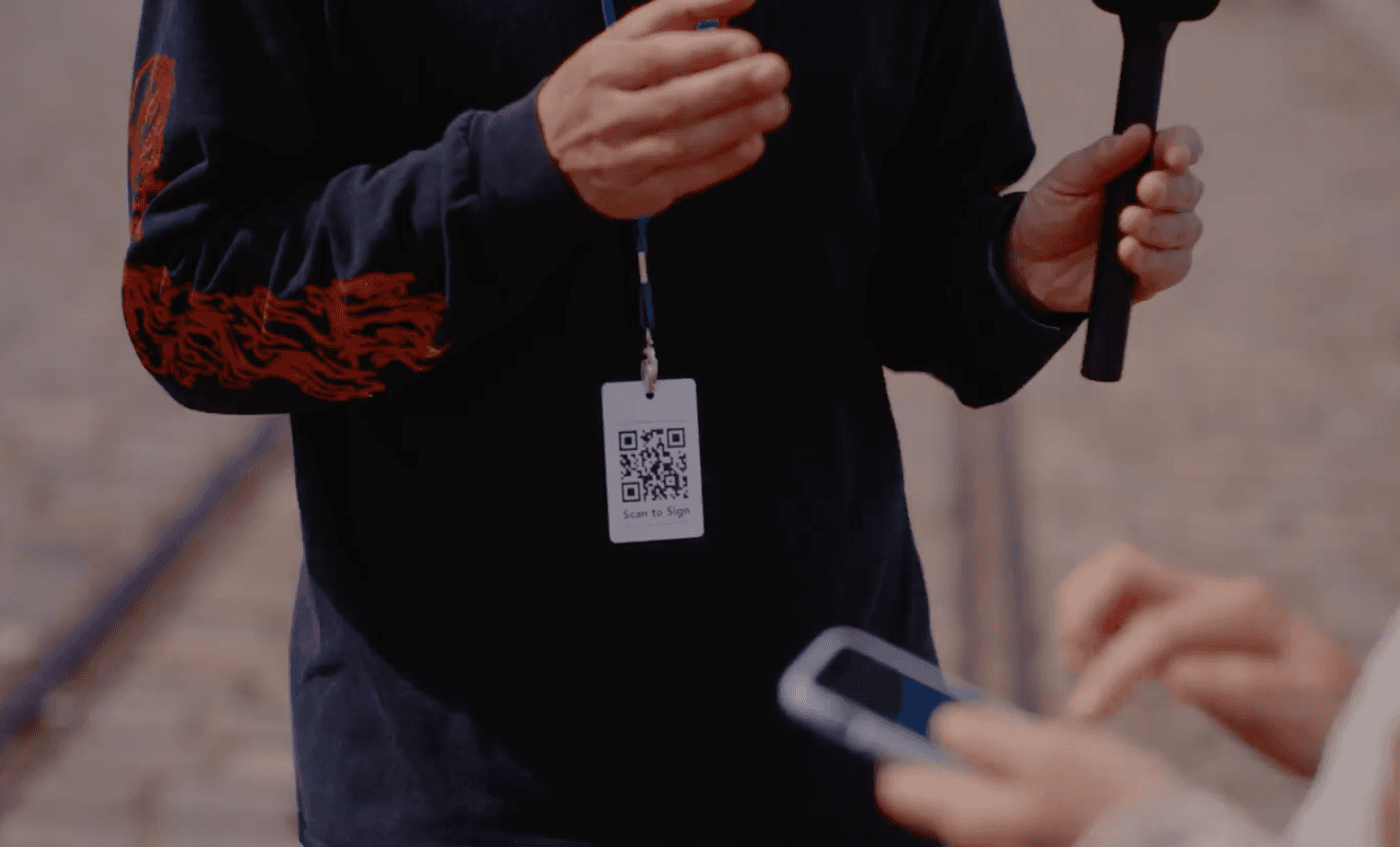
A SignTag is a pre-printed card with a lanyard and a unique QR code, linked directly to one of your Connie SignPages. Anyone who scans it is taken immediately to your agreement, where they can review and sign from their own device in seconds.
SignTags can be:
Worn around the neck, ideal for photographers, crew members, or anyone moving through a crowd
Attached to gear, keeping it accessible without thinking about it
Placed at event tables or entrances, letting people scan as they arrive, before anything else starts
Once someone signs, both they and you receive a copy of the signed document automatically. The whole process takes seconds.
Collect Signatures with SignTags in 3 Steps
Collecting signatures on set, at events, or out in the field is simple and only requires minimal preparation from you and your team.
Set up a SignPage on Connie
Log in to your Connie account and set up the agreement, consent form, or other document as a SignPage. A quick reminder: a SignPage is a way to collect many individual signatures for one document. You set up the agreement, consent form, or other document once, and many people can scan a QR code and sign their own copy.
Connect the SignPage with the SignTag
Connect the SignPage you've created with the SignTag you would like to use. You can connect multiple SignTags to a single SignPage, which is ideal if you work with several photographers or team members collecting signatures at the same time.
Take the SignTag with you
Sounds obvious? Yes, but it's the last step. Take the SignTag with you and ask the people you'd like to sign the agreement to scan the QR code with their phone. The agreement will open and they can sign comfortably on their phone.
Did you know: Connie optimises documents to be viewed on a phone. No frustrating zooming in and out to read the contract. Your signers will have an easy time reading the document and will know exactly what they're signing.
Who SignTags Are Built For
Photographers working with models, extras, or contributors on location can wear a SignTag around their neck and have releases signed before the first frame is captured. The photographer's guide to collecting consents walks through the full setup.
Filmmakers and production companies managing cast and crew on set can place SignTags at the entrance, at wardrobe, or attach them to a crew member handling onboarding. Everyone signs before the day begins.
Event organisers running festivals, conferences, or public gatherings can place SignTags at check-in desks or entrances, turning consent collection into a seamless part of arrival. Grøn Koncert and DTD Group both run this setup at scale.
Fieldwork teams collecting NDAs, participation agreements, or any standard form from large groups can carry a single SignTag and collect as many signatures as needed throughout the day.
What Wonderful Copenhagen Says About SignTags
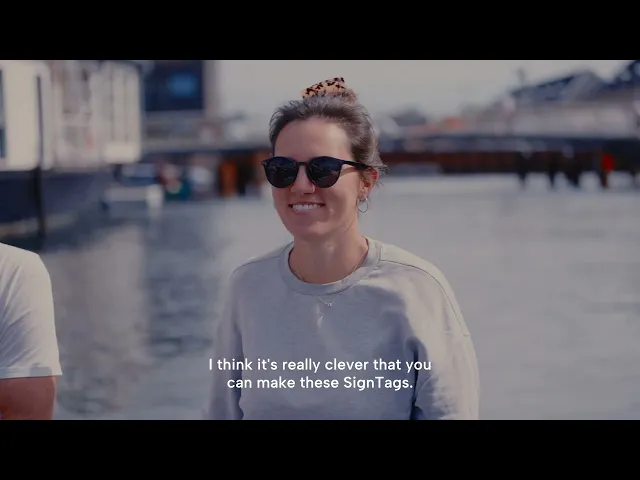
Wonderful Copenhagen is one of the organisations that has made SignTags a core part of how they collect signatures in the field. Read how SignTags unlocked their visual storytelling.
Collect Signatures On the Spot with Connie
SignPages are required in order to use SignTags. The SignPage feature is available on the Team, Studio, and Professional plans. SignTags are available to order through Connie. Whether you're a photographer, filmmaker, production company, or event organiser, they're the simplest way to make sure everyone has signed before the work begins.
Start a free trial now, find more information about Connie here, or book a demo session to learn more.

Related reading
Previous post: