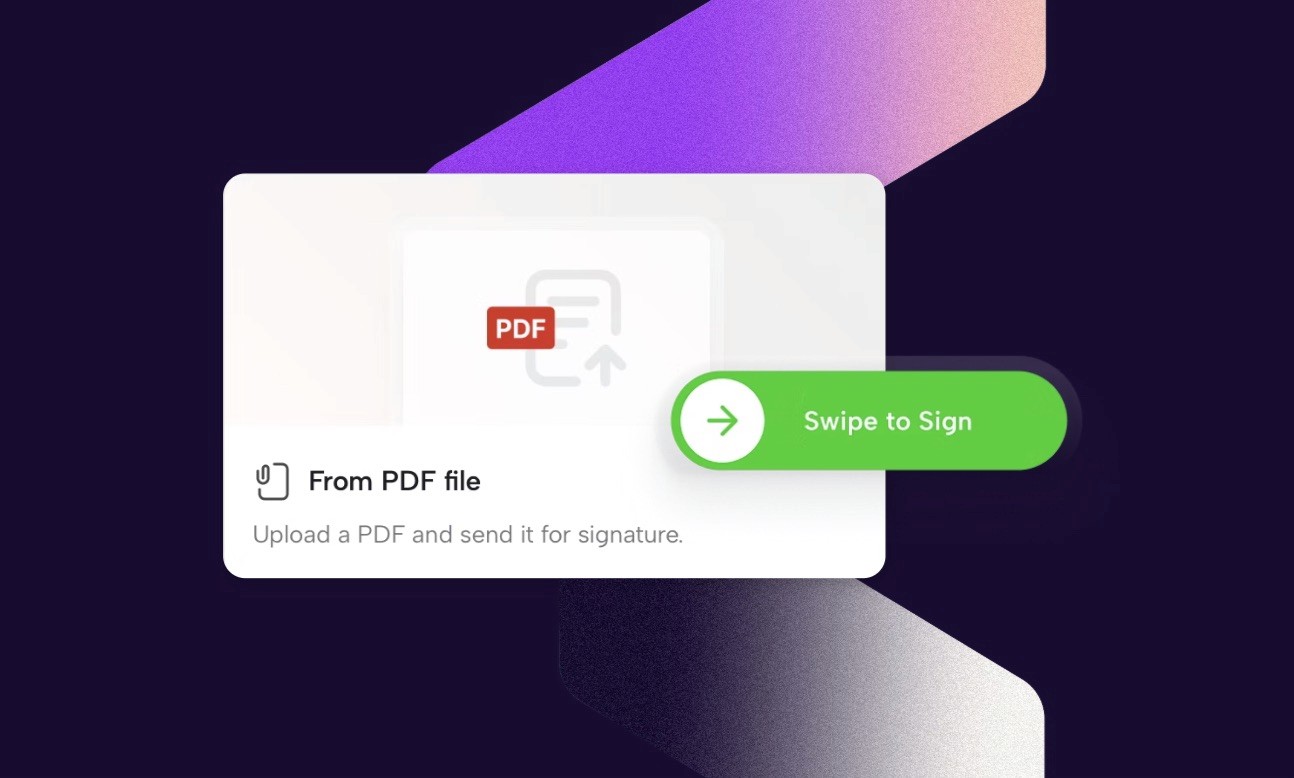
You've all asked for it and it's finally here. Upload any PDF and send it for signature directly in Connie, no template needed, no setup required.
As of today, you can upload a PDF directly to Connie and send it for signature in seconds. No template. No workflow to configure. Just the document you already have, ready to sign.
Why this matters
Document work doesn't always start from scratch. Sometimes a contract lands in your inbox as a PDF. Sometimes a supplier sends over their own agreement. Sometimes you have a finished file that just needs a signature before a deadline.
Until now, Connie was built around dynamic, structured documents, and for good reason. But that meant if you had a static PDF, you had to work around it. That changes today.
How it works
Upload your PDF to Connie, add the signer, and send. The signing experience works just like any other document in Connie. Once signed, the completed document is stored in your project alongside everything else.
It takes about 30 seconds from upload to sent.
One thing to know before you start
PDFs in Connie are treated as fixed documents. If your PDF contains interactive elements - form fields, checkboxes, editable inputs - these cannot be filled in or edited inside Connie. The document itself stays unchanged. Only signatures are added.
If you need a document that's fillable, editable, and reusable, Connie Templates are still the better choice. SmartTags, structured content, dynamic fields. That's where Connie really earns its place in your workflow.
But for a PDF that just needs a signature? Now you're covered.
Who can use it
PDF signing is available on Team, Studio, and Professional plans. No additional setup required, the option is already there when you upload a file.
The bigger picture
At Connie, we believe documents should be dynamic, data-driven, and built to scale. That belief hasn't changed. But we also believe tools should meet you where you are, and sometimes where you are is staring at a PDF with a deadline.
This feature is a small addition with a practical impact. We hope it saves you time on the days when you just need to get the job done.
As always, if you run into anything or have feedback, we'd love to hear it. Reach out directly (info@getconnie.com) or drop us a note through the Connie support chat.

Tidligere indlæg: