Improved template and document editor: What's new in Connie
Pina Vetter
på
Opdateringer
Produktnyheder
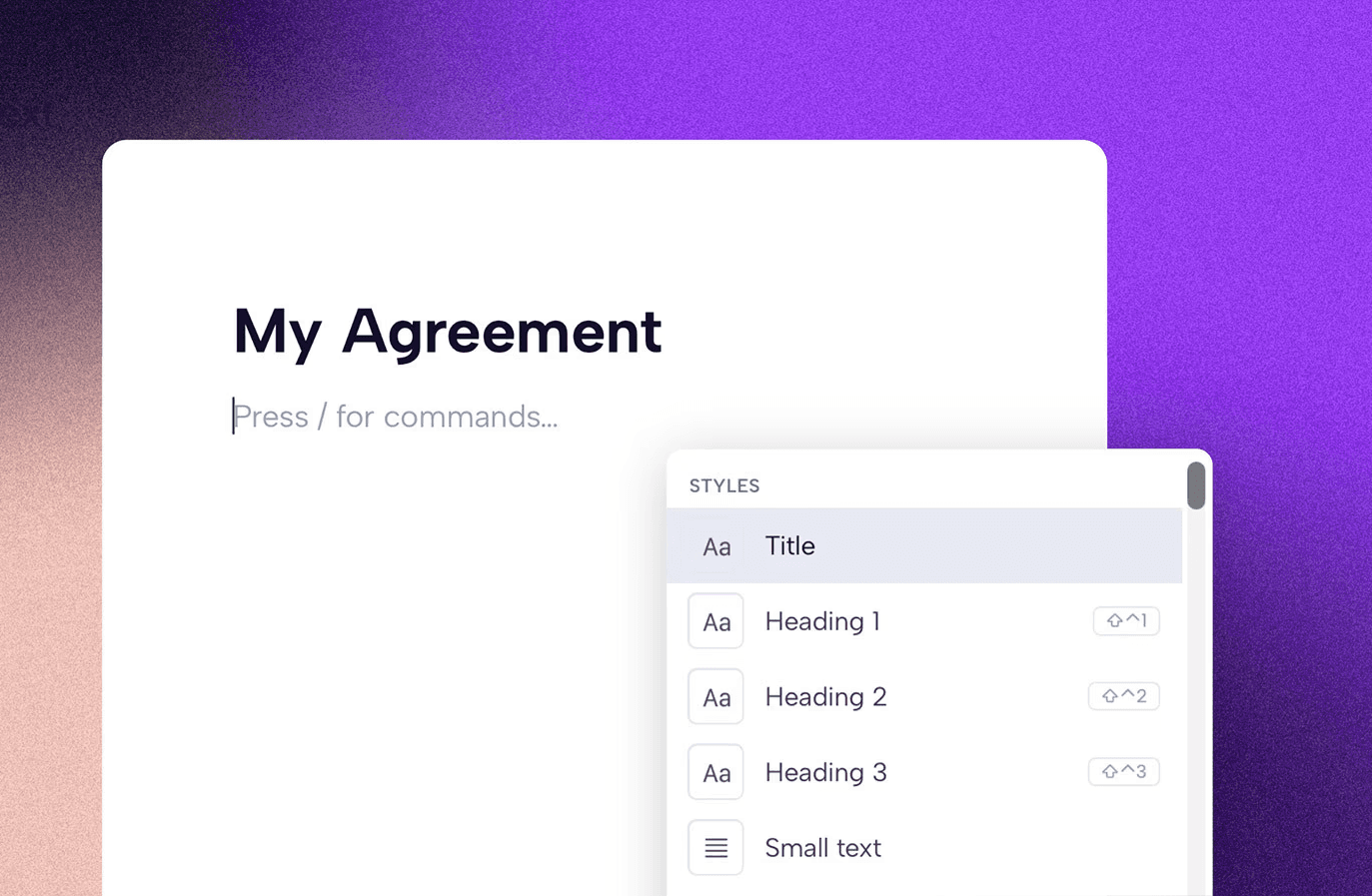
Building templates and creating documents from scratch just got faster and less frustrating. Here's a full rundown of what's new in the Connie editor.
If you spend time building templates or creating contracts from scratch in Connie, you've probably run into the quirks. Numbering that doesn't quite behave. Tables that are a bit fiddly. Small things that shouldn't be annoying, but are.
This update fixes a lot of that. Here's what's new.
Numbering that actually works
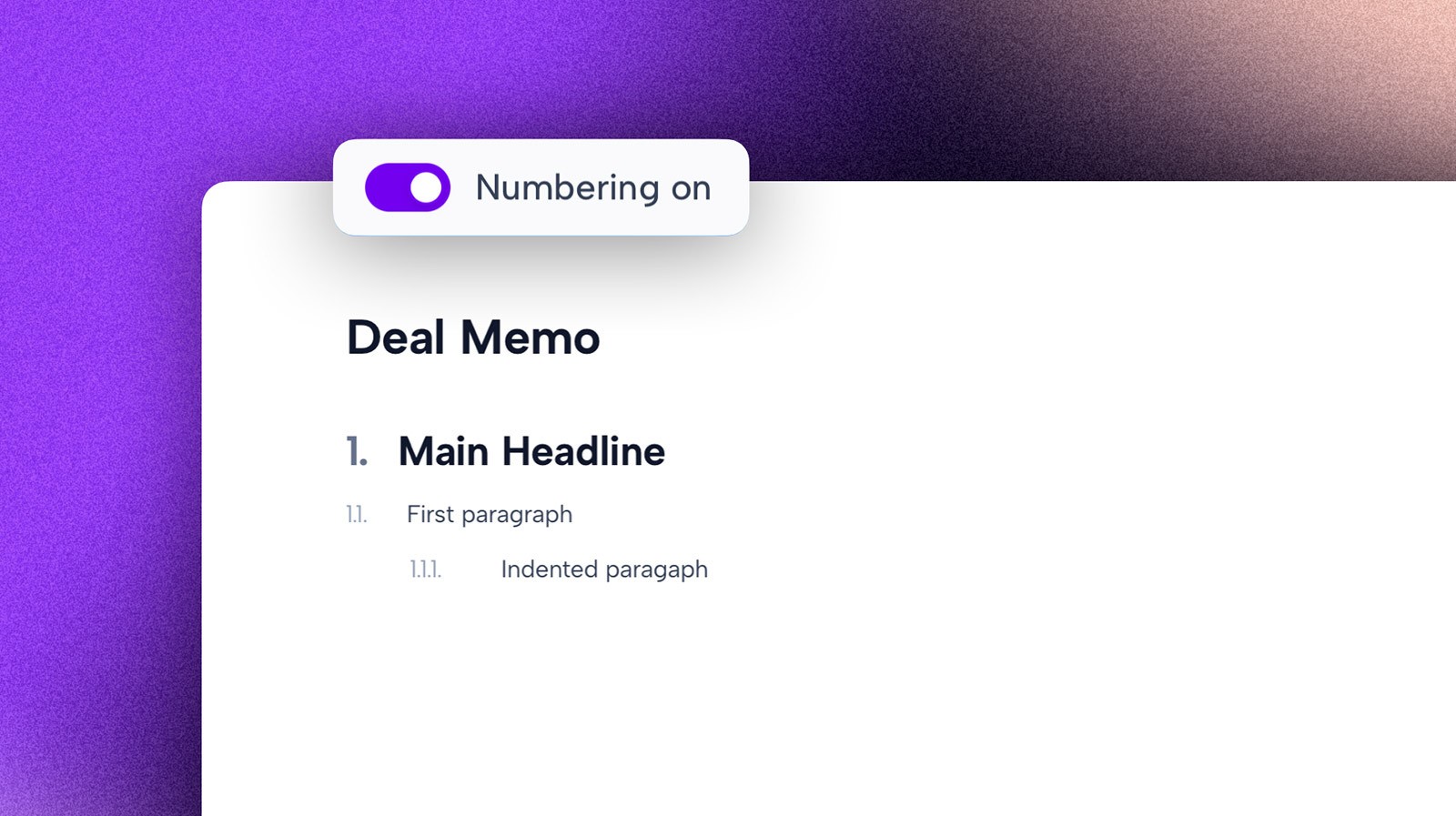
We rebuilt numbering from the ground up.
You can now toggle it on or off at the individual block level, use it independently from numbered lists, and trust it to stay consistent across optional sections, even in the most complex documents.
If you've ever had numbering break halfway through a long template, you'll know why this one matters.
Slash commands
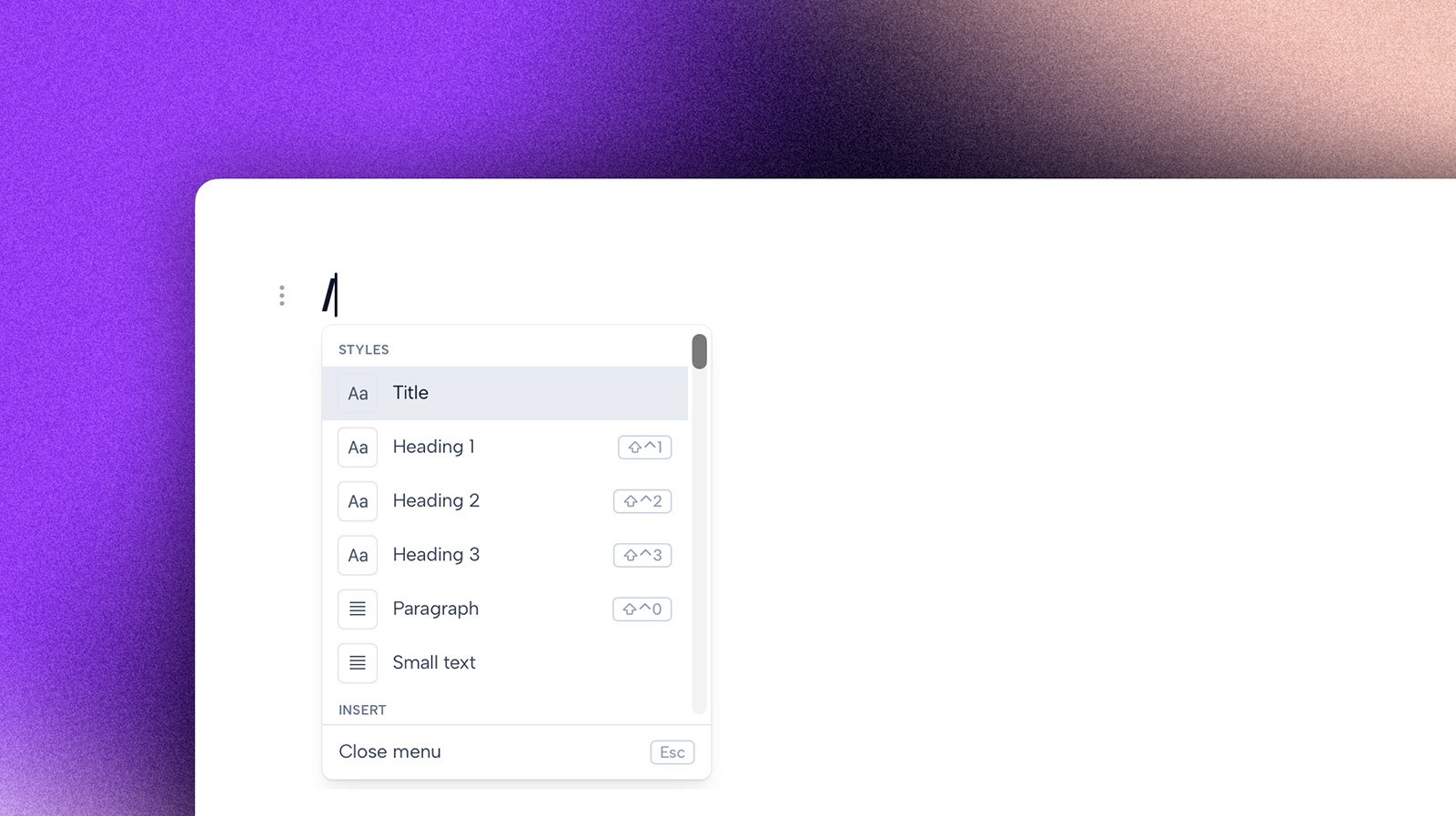
Type "/" anywhere in a template or document editor to instantly pull up styling options and SmartTags.
No clicking around in the toolbar. No breaking your flow. Just keep typing and format as you go. Especially useful in longer, more structured documents.
Better lists and tables
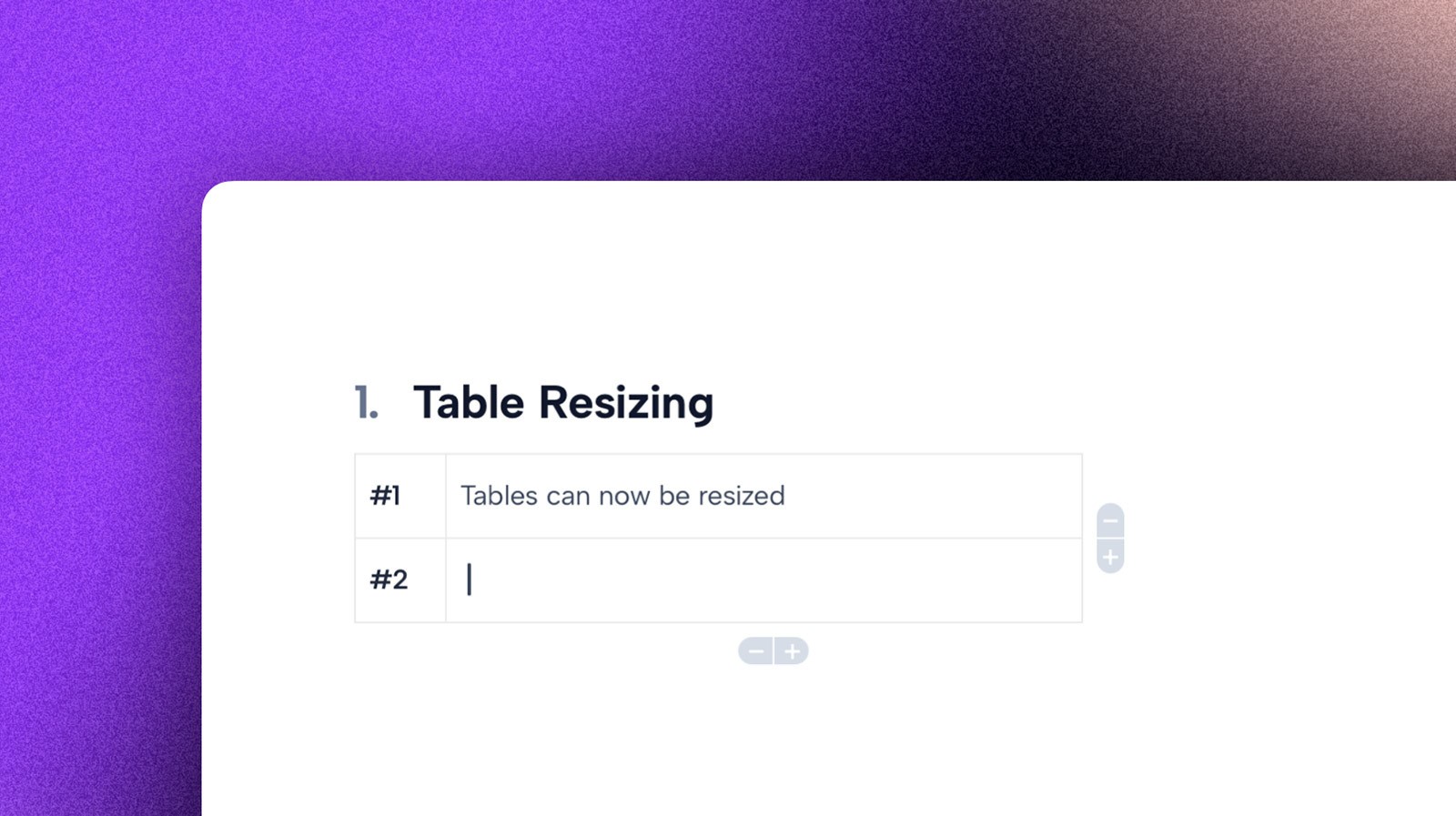
Both have been overhauled to behave the way you'd expect from a modern editor.
Lists now handle multi-item selection better, respond more naturally to keyboard input, and deal with empty paragraphs more cleanly. Tables have improved responsive sizing and a cleaner editing experience overall.
A smoother editing experience throughout
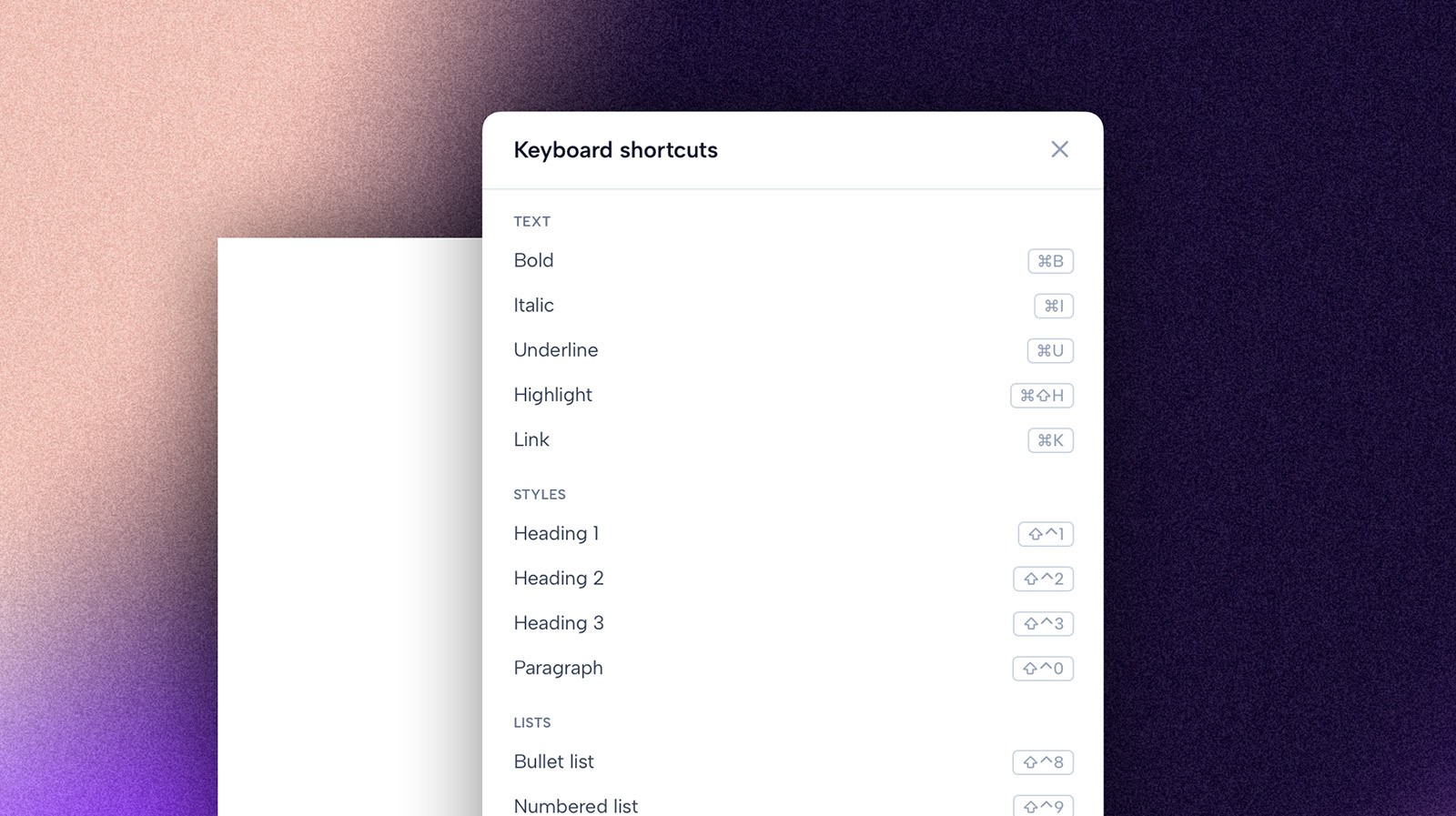
This one is harder to point to in a single feature, but you'll feel it.
We've improved dozens of small interactions across the editor: better cursor behavior around SmartTags, cleaner toolbar states that only show relevant actions, preserved alignment when changing text styles, and more consistent title formatting.
Individually, these are small. Together, they make the editor feel significantly more predictable.
Improved layout and tabbing
We've upgraded how indentation and document hierarchy work, giving you more control when building complex, multi-section templates.
What's next
This is one of our biggest editor updates yet, and we're already working on what comes next:
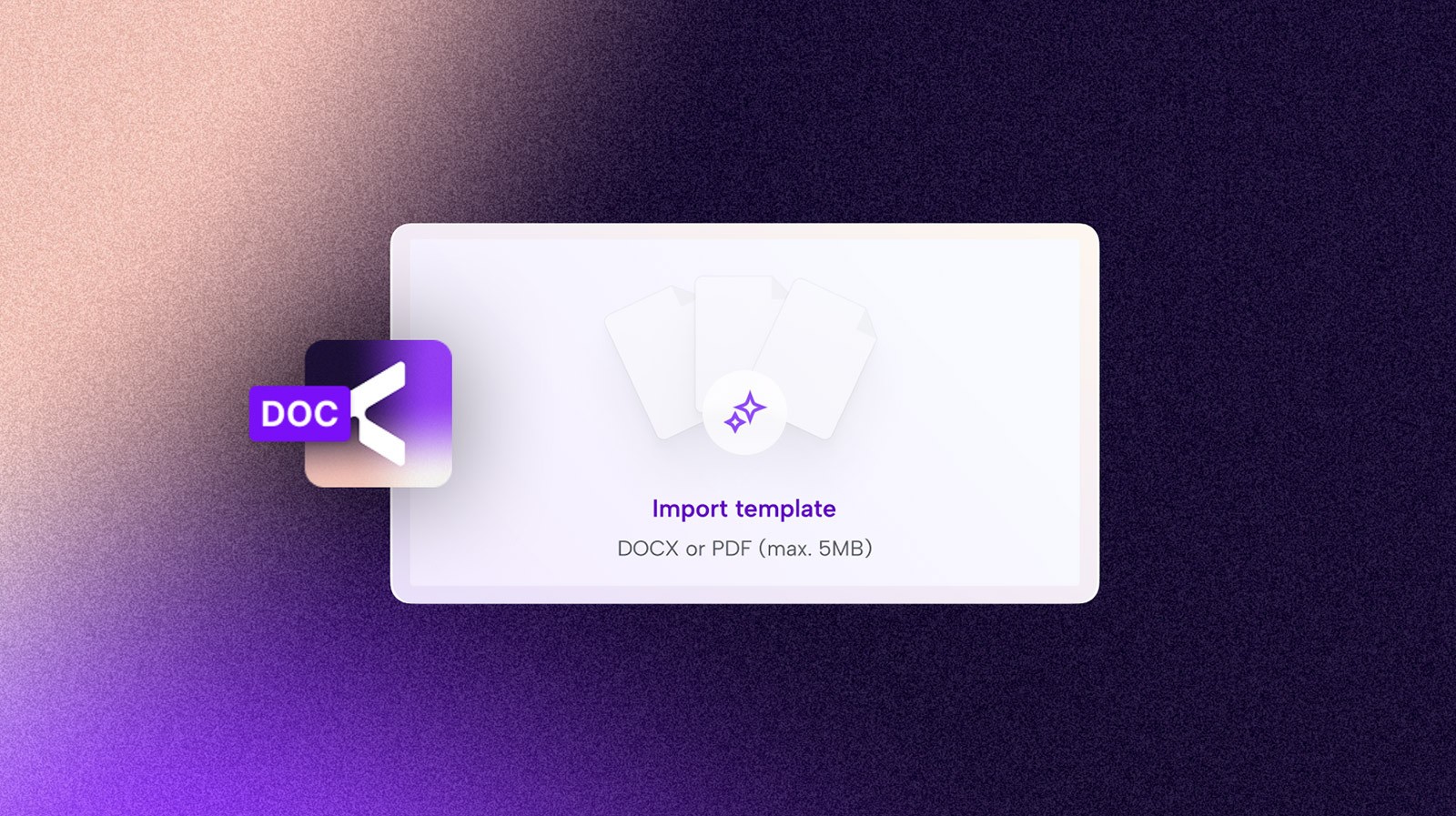
AI-powered template import
Template and document collaboration
Internal linking and references
Smarter SmartTags with validation and more control
All available now, for everyone on all plans.
As always, if you run into anything or have feedback, we'd love to hear it. Reach out directly (info@getconnie.com) or drop us a note through the Connie support chat.

Tidligere indlæg: